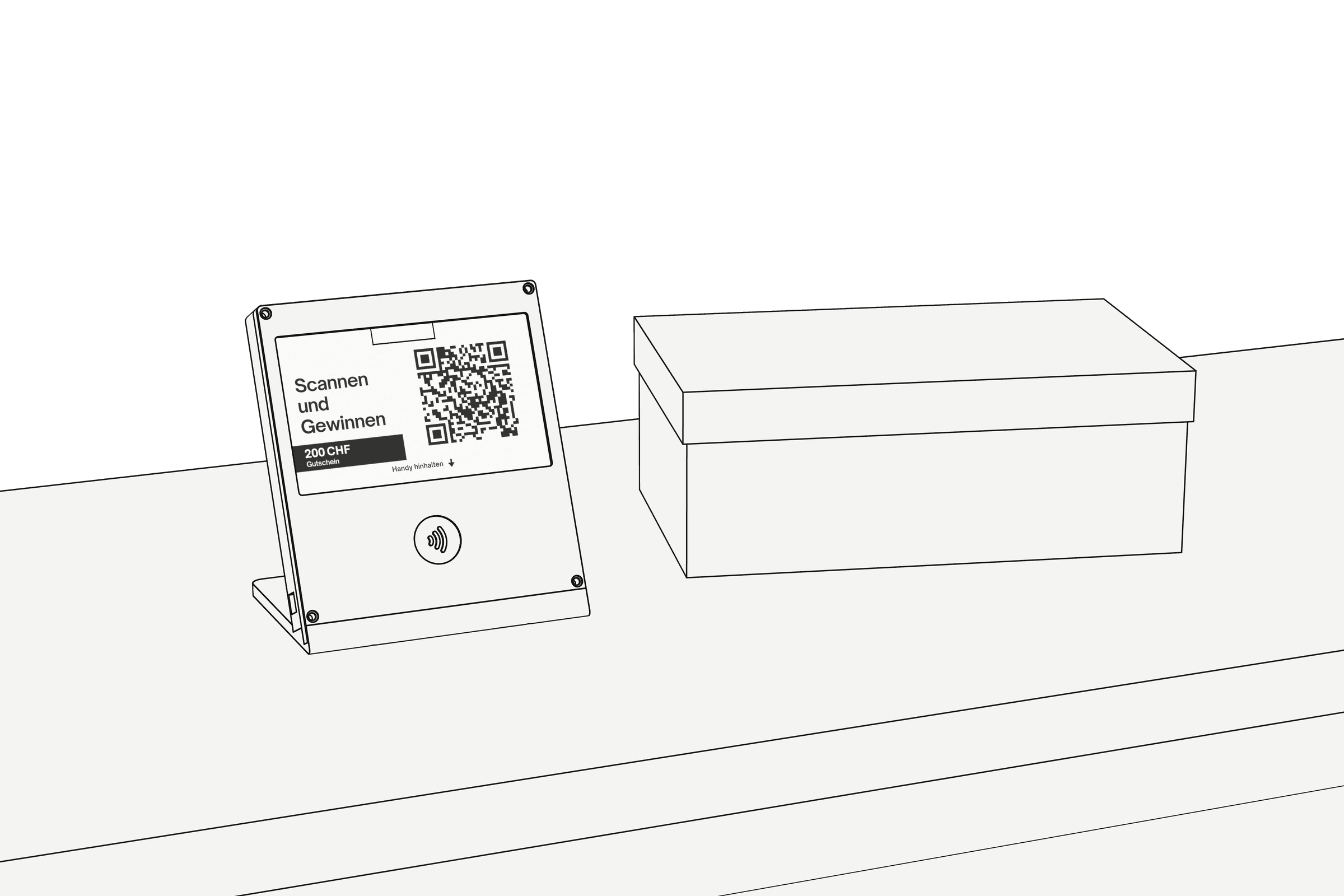
The display for the till
With NFC and QR code. Your customers only need their phone, no app.
A display at the till invites customers to a prize draw. Afterwards they can review you on Google if they want to.
Drag to rotate
In use at

97 %
read reviews of local businesses.
47 %
avoid businesses with fewer than 20 reviews.
89 %
expect a reply to reviews.
Source: BrightLocal Local Consumer Review Survey 2026, survey in the US, 1,002 people. These figures describe the market, not the effect of Telloop.

The customer holds her phone to the display or scans the QR code.
Enter
She types her first name and email. That puts her in the draw.
You're in the draw.
We'll get in touch if you win.
Review on GoogleOptional, and independent of your entry.Only then does a button to Google appear. Whether she reviews is up to her.
New reviewSample store
Customer A.
Sample review text: friendly advice, found the right shoes.
12 min ago
New Google reviews appear in the panel, for every store.
Suggested reply
Thank you for your review. Glad the advice was helpful. Your team
Telloop suggests a reply. You edit it and send it.
Reviews
214
Average
4.7
Number and average of your reviews, day by day.
The display comes with a panel for your computer. There you reply to reviews and see how your ratings develop.
 Example view
Customer A.12 min ago
Sample review text: friendly advice, found the right shoes.
Suggested reply
Thank you for your review. Glad the advice was helpful. Your team
With NFC and QR code. Your customers only need their phone, no app.
Telloop collects the entries for the draw. The data is deleted afterwards.
When entering, customers can also subscribe to your newsletter. The address goes straight to your Klaviyo account, confirmed by email.
Each store has its own display, its own QR code and its own link to Google.
Ask for stars
There is no satisfaction question. Everyone sees the same button to Google.
Reward reviews
The draw counts without a review.
Put up a tablet
Every customer uses her own phone.
Reply on its own
Every reply needs your click.
This is how Telloop follows Google's rules for reviews.
No. The entry is complete before Google even appears. Anyone who does not review is still in the draw.
No. Telloop never asks how satisfied someone is. Everyone sees the same button to Google and decides there.
A display at the till. Customers only need their phone, no app and no account.
Once per email address and draw. Anyone who tries again sees «You're already in» and the same button to Google.
Only first name, email, store and time. It is deleted after the draw. No cookies, no tracking. An optional newsletter sign-up is separate and stays with you in Klaviyo.
No. Telloop only makes a suggestion. You edit it or send it. Nothing appears on Google without your click.
In the language of the review: German, English, French or Italian.
Yes. When entering there is an optional tick box for your newsletter. The address goes to your Klaviyo account, confirmed by email. It makes no difference to the draw.
Yes. Each store has its own display and its own link to Google. In the panel you see them all together.
It depends on the number of stores. Write to us and we will send you the prices.
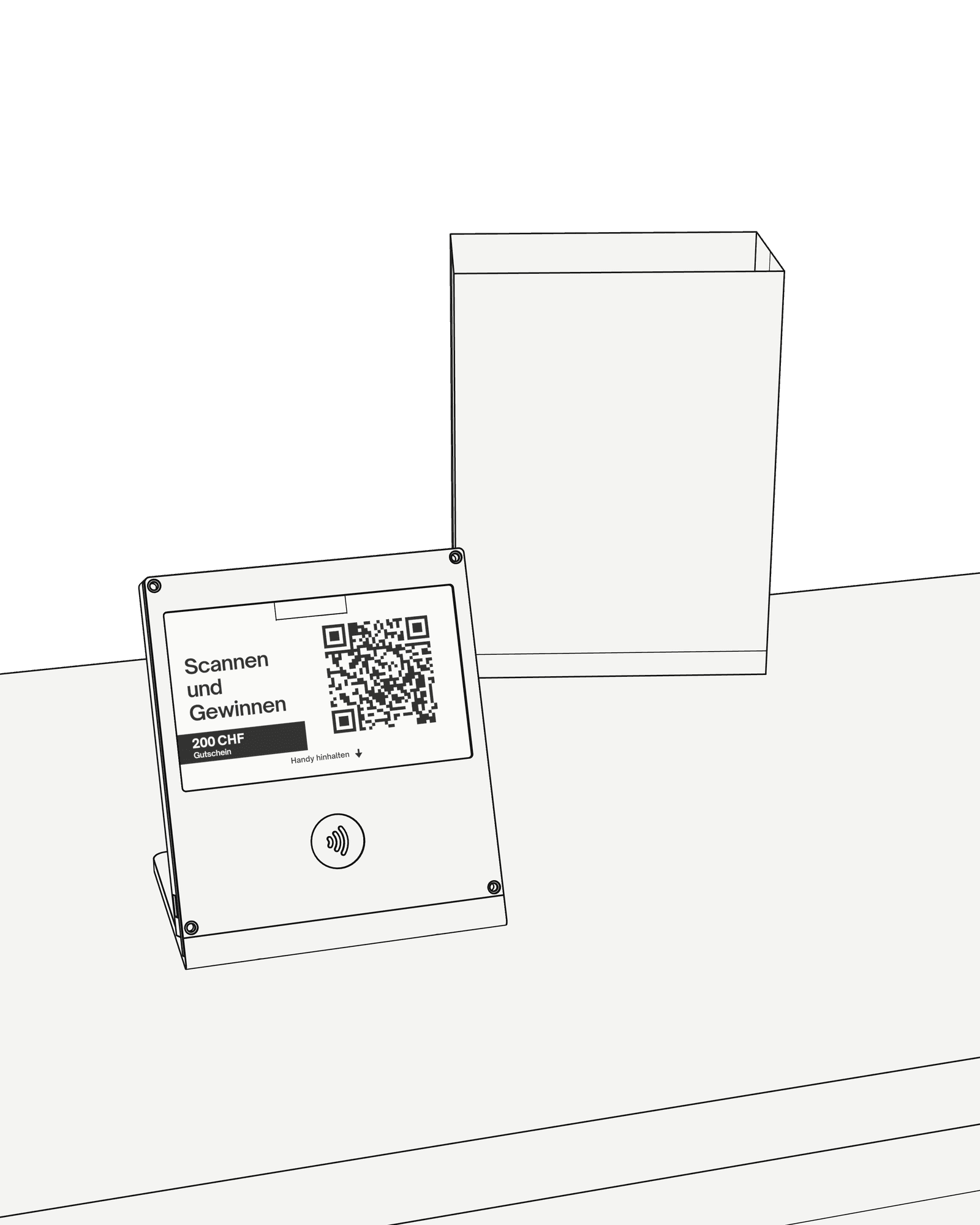
Tell us briefly how many stores you have. We will get back to you personally.